Advertisement
Click to download now, finish the installation quickly, and directly unlock the all-round experience
Advertisement
Screenshots
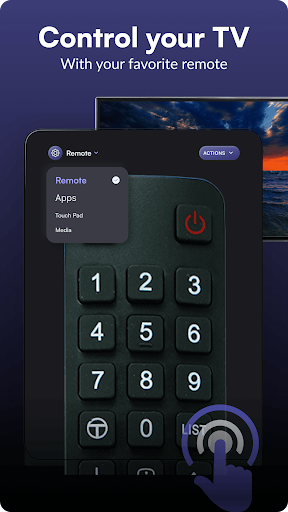
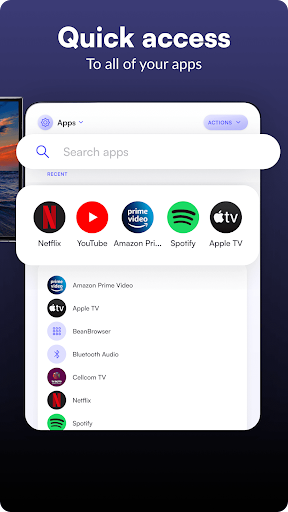
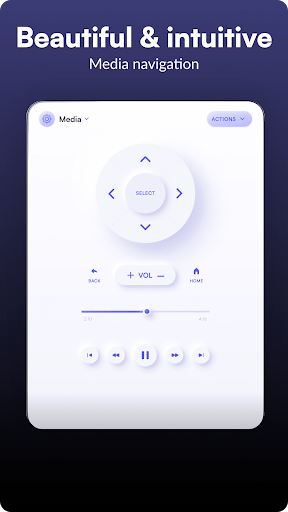
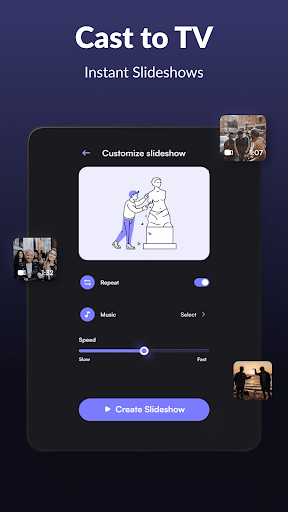
Click to download now, finish the installation quickly, and directly unlock the all-round experience
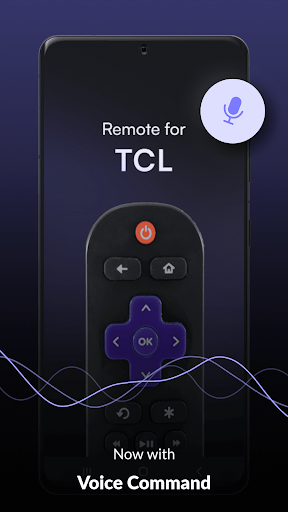
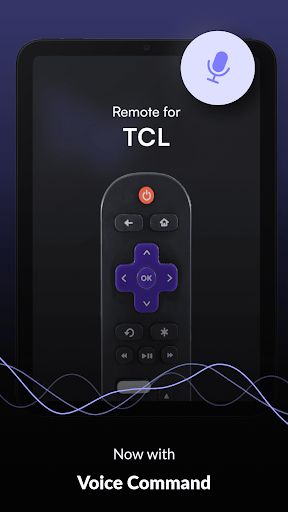
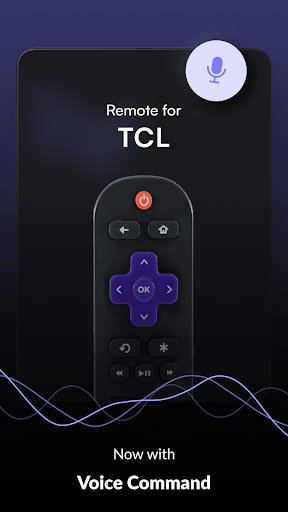
Remote control for TCL TVs turns an Android phone into a controller for compatible TCL televisions. It is suited to households that have misplaced the physical remote, or would rather use a phone for everyday navigation. The app supports TCL smart TVs, Android TVs and Roku TVs, with connection options depending on the television and phone.
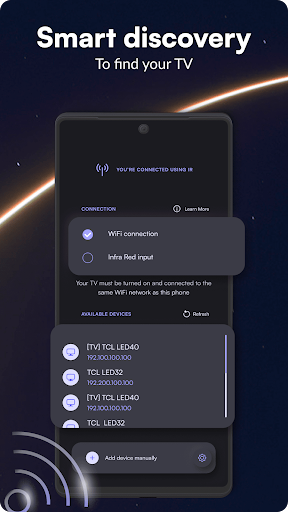
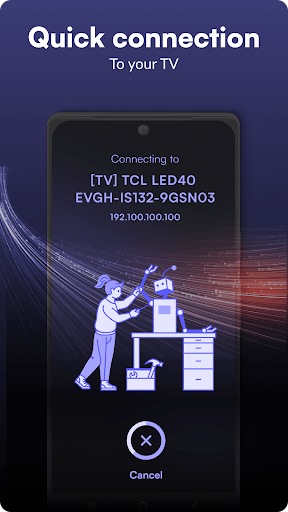
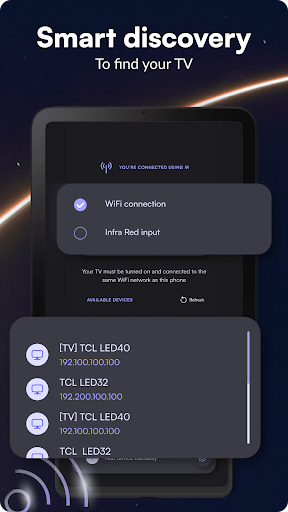
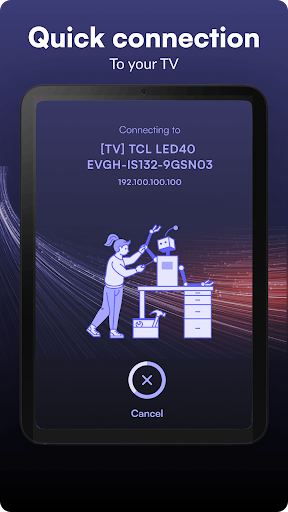
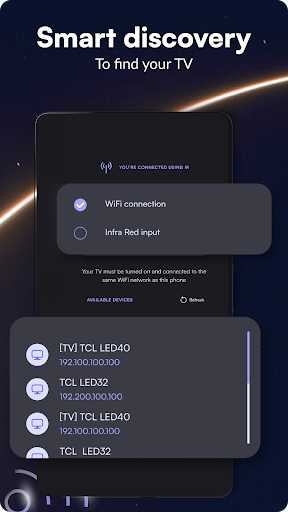
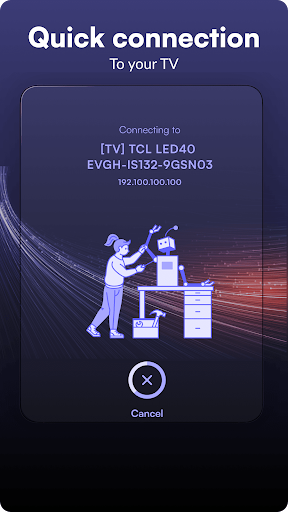
For a network connection, the phone and TV need to be on the same Wi-Fi network. The app can look for available TVs; if yours does not appear, you can add it using the TV’s IP address. Some older TCL sets can be controlled over infrared instead, provided the Android phone has an IR transmitter. That option does not require the TV and phone to share Wi-Fi.
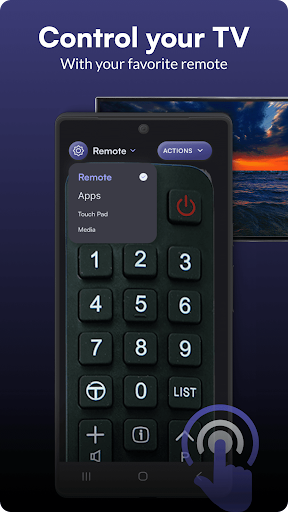
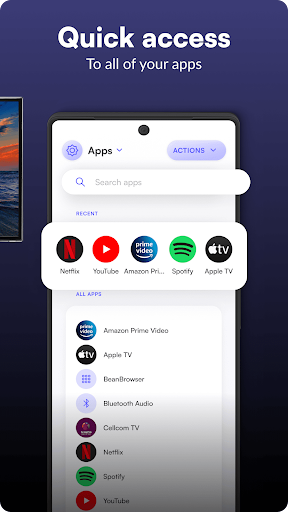
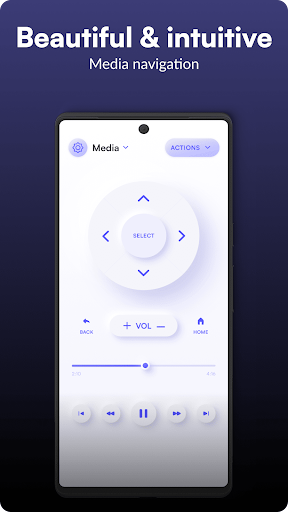
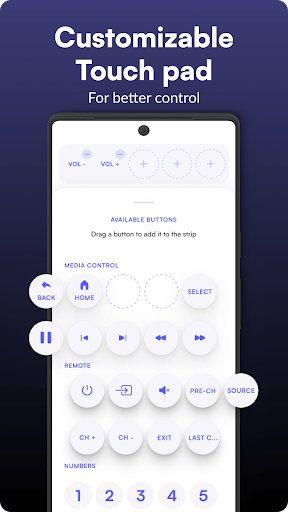
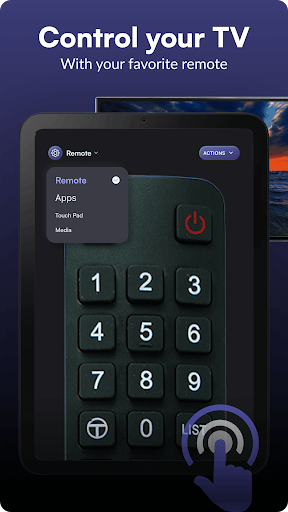
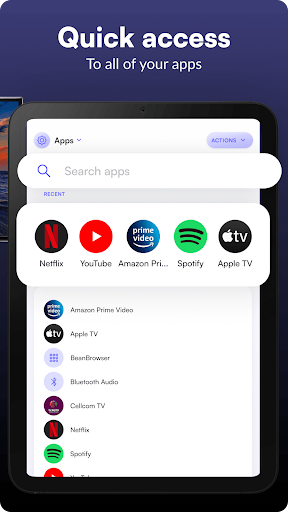
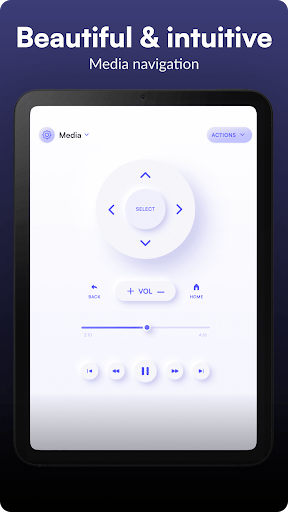
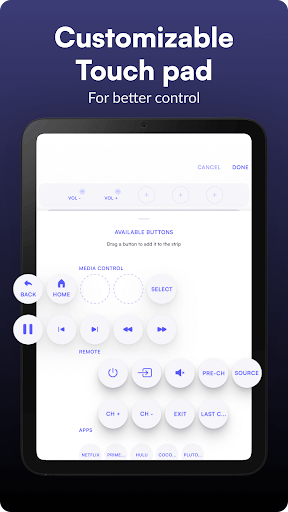
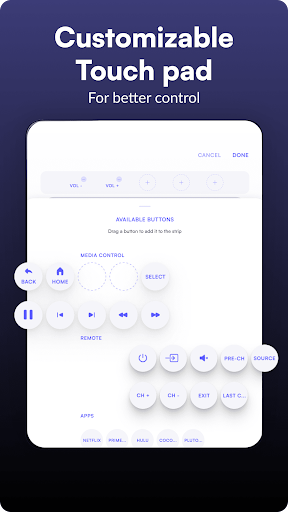
The app offers a familiar button-style remote, along with a touchpad-style interface for navigation. It also includes screens for browsing apps installed on the TV and for media controls. These options can make common tasks, such as moving through menus or opening a TV app, manageable from the phone rather than from across the room.
Network control depends on the TV being reachable on the same Wi-Fi connection, while infrared control is limited to phones with the necessary hardware. The app is published by osApps and has more than 5 million installs. Its rating is about 3.8 out of 5 across 39,503 reviews, so experiences vary; checking that your TV and connection method are supported is sensible before making it your only remote.