
QuickEdit Text Editor
Rhythm Software
Downloads
10,000,000+
Source
Google Play
Advertisement
Click to download now, finish the installation quickly, and directly unlock the all-round experience
Advertisement
Screenshots
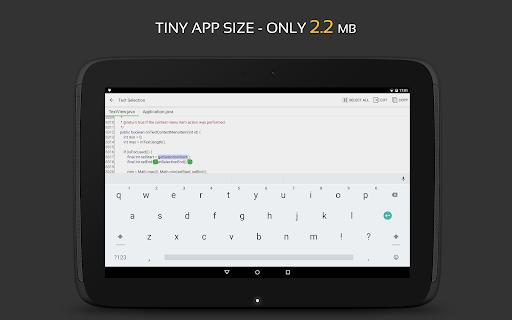
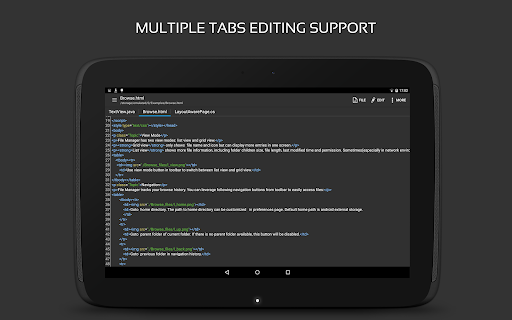
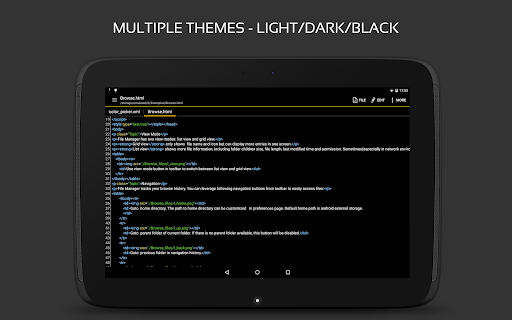
Click to download now, finish the installation quickly, and directly unlock the all-round experience
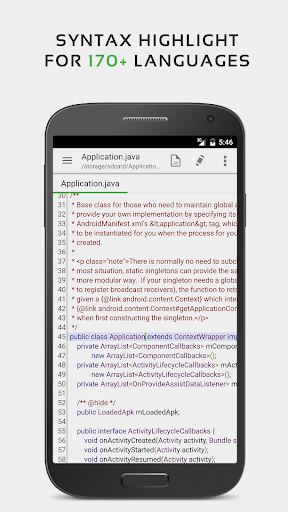
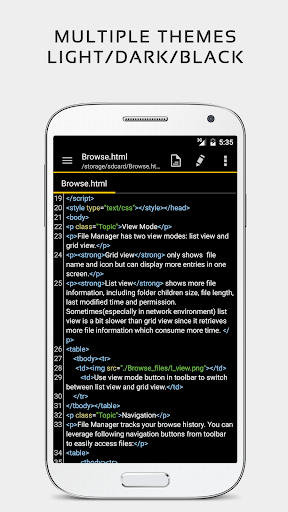
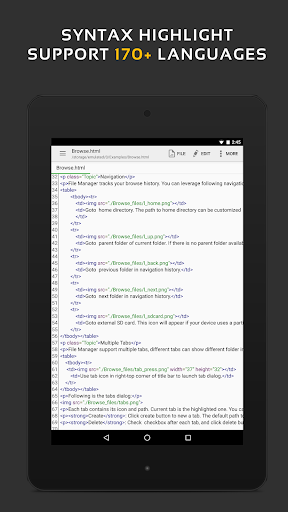
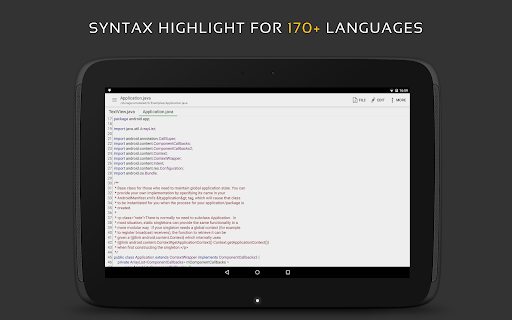
QuickEdit Text Editor lets you work with plain-text files and programming files on an Android phone or tablet. It suits people who need to change a document on the go, as well as developers who want a code editor with syntax highlighting for more than 170 languages.
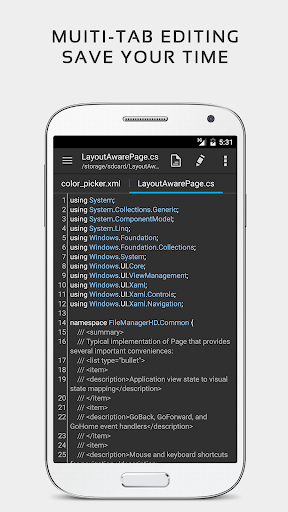
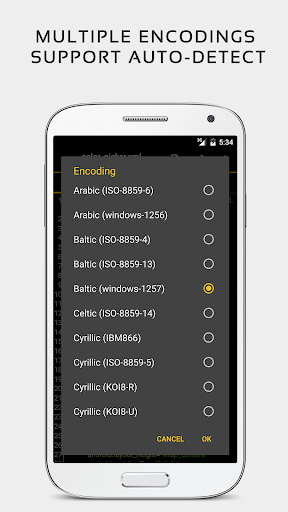
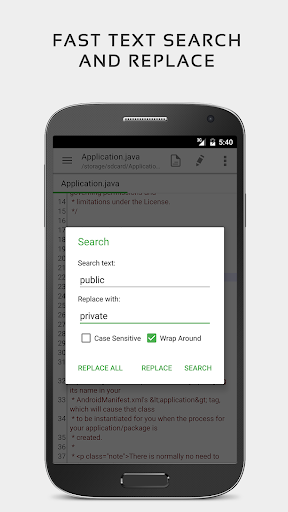
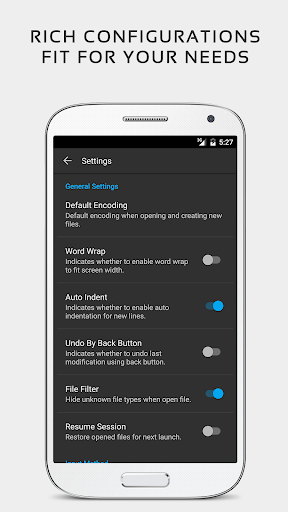
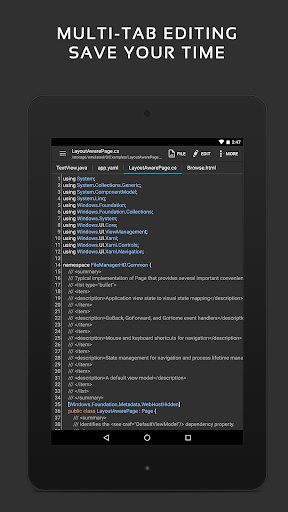
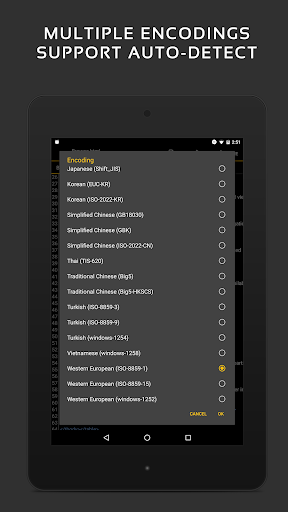
Search and replace, jump to a particular line, and move among several open files using tabs. Line numbers and indentation controls can make code easier to scan, while undo and redo help when an edit goes the wrong way. QuickEdit also detects text encoding and can automatically indent new lines.
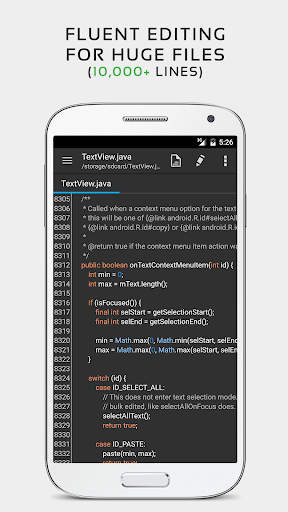
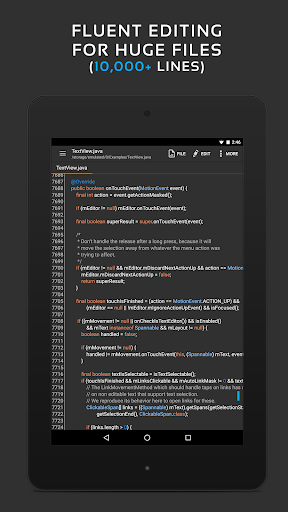
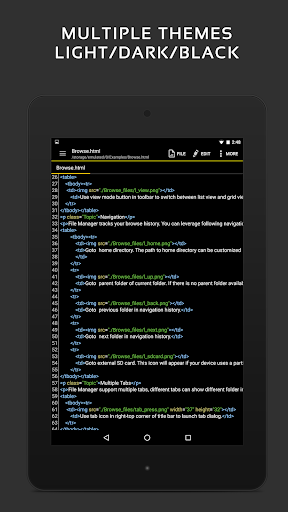
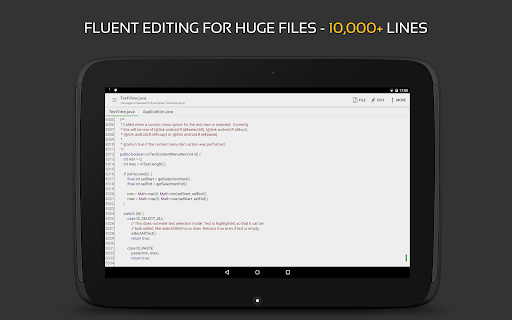
For larger files, the editor is designed to handle documents with more than 10,000 lines. You can adjust fonts and text size, choose a light or dark theme, and use a physical keyboard with key combinations if you have one connected.
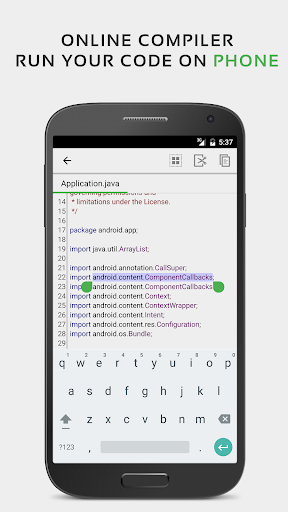
QuickEdit can preview HTML, CSS, AsciiDoc and Markdown files. It also includes an online compiler for compiling and running code in more than 30 common languages. For files stored elsewhere, it supports access through FTP, Google Drive, Dropbox and OneDrive, and offers GitHub and GitLab integration.
Those extras make it useful for quick edits to configuration, log and text files, as well as for coding tasks. The range of tools may be more than you need for occasional notes, but the core editor still works for plain text.
Rhythm Software’s Productivity app has a 4.03 rating from 52,574 ratings and more than 10 million installs. That reach makes QuickEdit a familiar option for people who want a capable file editor on a device they already carry.