RoboForm Password Manager
Siber Systems Inc
Downloads
1,000,000+
Source
Google Play
Advertisement
Click to download now, finish the installation quickly, and directly unlock the all-round experience
Advertisement
Screenshots
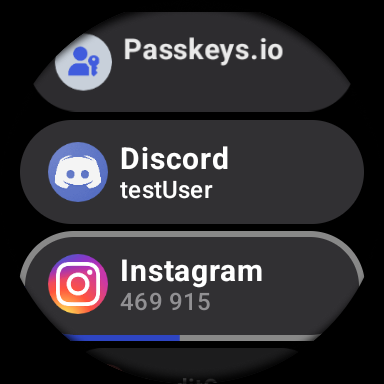
Click to download now, finish the installation quickly, and directly unlock the all-round experience
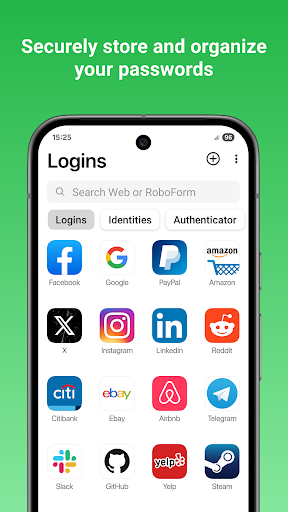
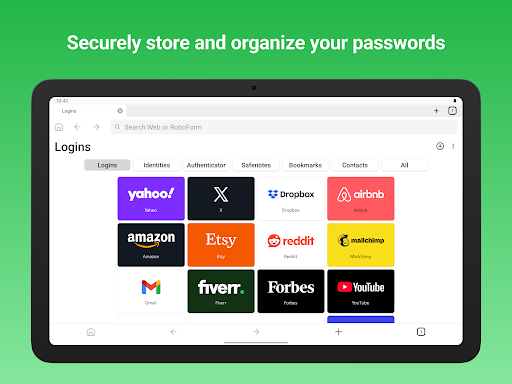
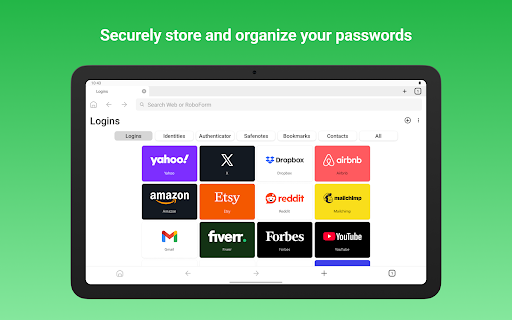
RoboForm Password Manager stores website and app passwords so you can find them when you need them, rather than relying on memory or reusing the same one. It suits people who sign in to a lot of services and want a simpler routine for managing those credentials.
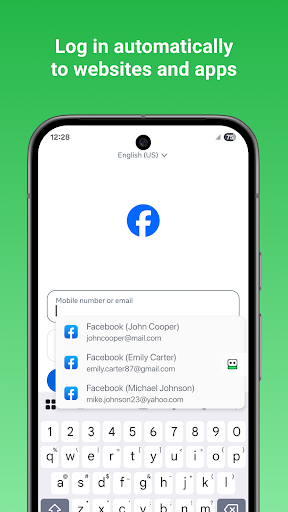
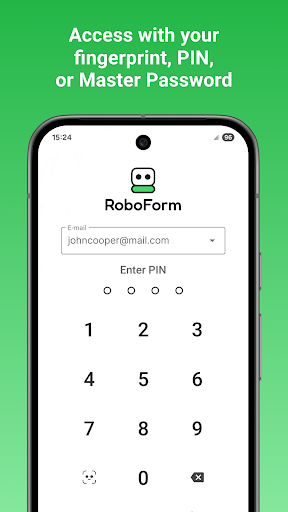
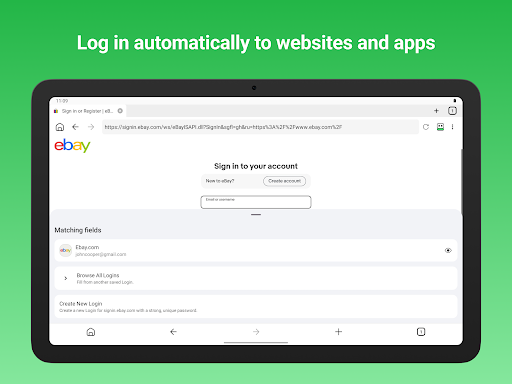
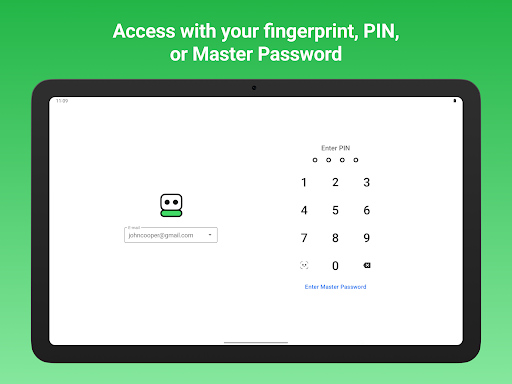
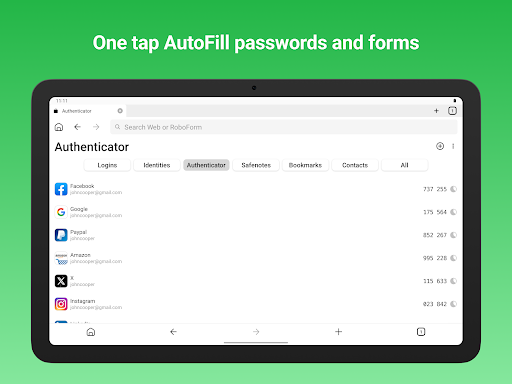
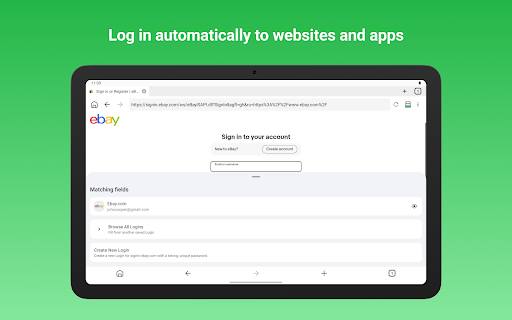
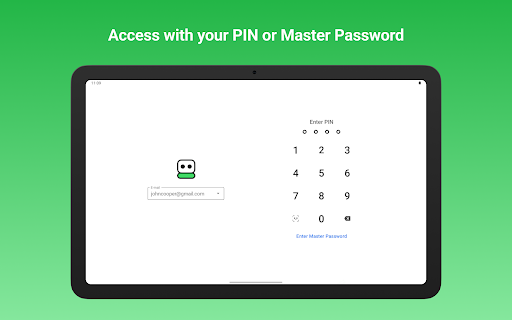
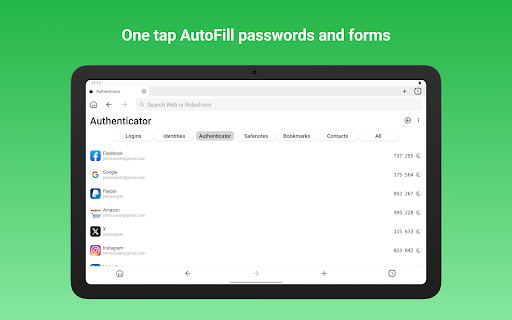
Use a master password to access your saved information. RoboForm can fill logins in apps and websites, including sites opened in Chrome or other browsers. Its built-in browser can log in with one tap and offer to save new passwords.
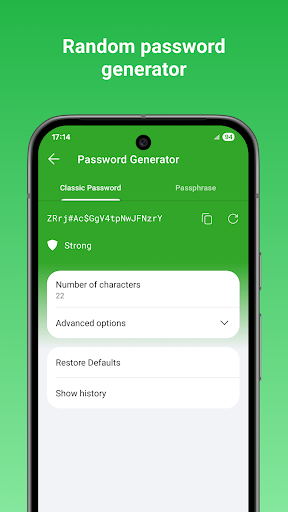
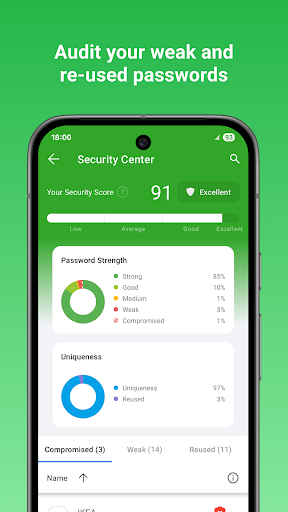
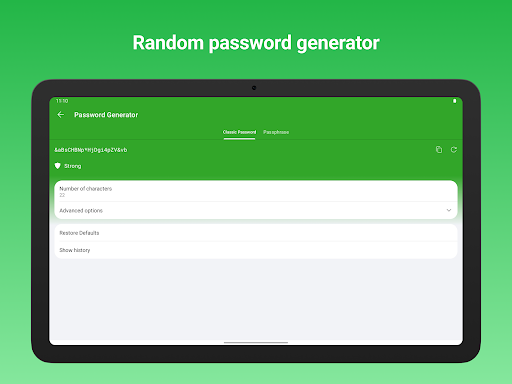
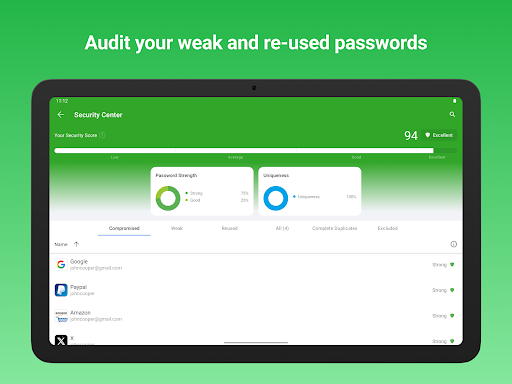
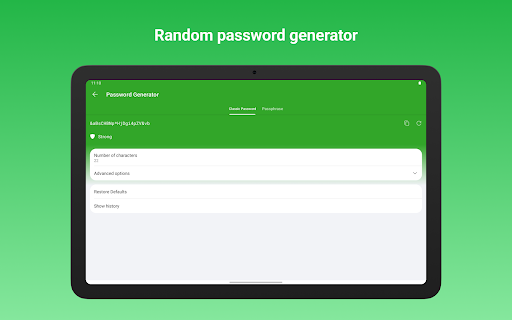
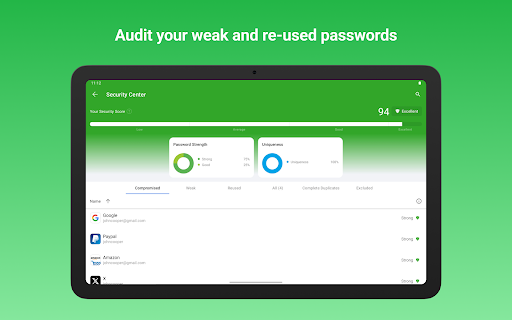
A password generator can create a different password for each account. Folders and subfolders help keep entries organized, while a pinned view puts frequently used logins within easy reach. The Security Center can flag weak, reused or duplicate passwords, giving you a place to start when tidying up older accounts.
RoboForm also stores information beyond logins, including credit cards, bank details, contact information and Safenotes for items such as licence keys or Wi-Fi passwords. It can fill long checkout forms and keep website bookmarks.
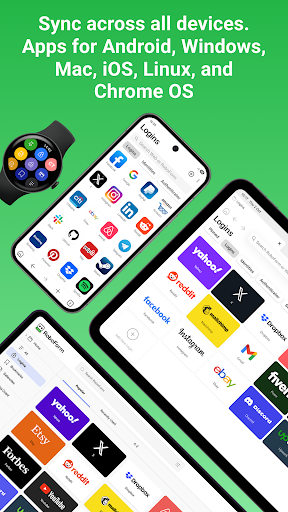
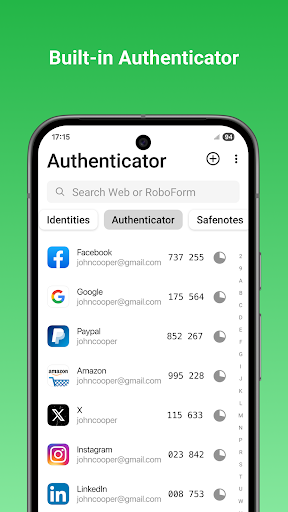
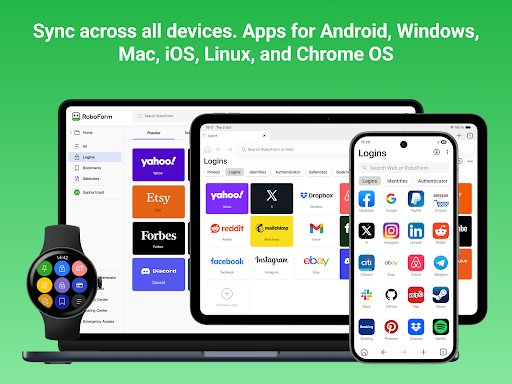
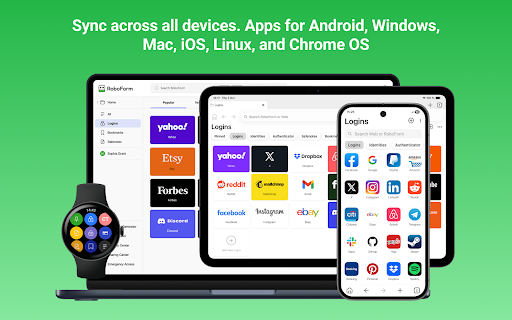
You can add, view and edit saved items from supported devices. Syncing across devices and computers is a Premium feature, as are securely sharing individual items and appointing an emergency contact. The app also offers two-factor authentication and locks after inactivity.
RoboForm is a productivity tool for people who want password storage, form filling and a place for other sensitive details in one app. Siber Systems Inc is the developer. The app has a 4.73 rating from 37,273 reviews and more than 1,000,000 installs.